How to Cancel Amazon Prime (and Check Your Refund Before You Confirm)
Canceling Amazon Prime takes a few clicks, and the flow tells you whether you get money back before you confirm. The exact steps, third-party billing, and where the FTC settlement stands.
Canceling Amazon Prime is far simpler than it used to be, largely because Amazon’s $2.5 billion FTC settlement forced the old multi-page cancellation maze to be cut down. Here is the current click path, how to know whether you get money back, and what to do if you are billed through a carrier or another third party.
The quick answer
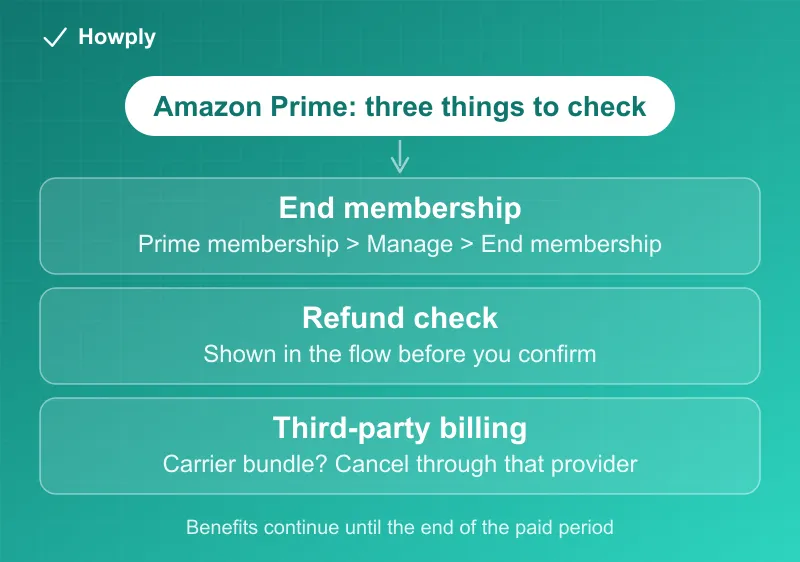
- To cancel: Amazon account > Prime membership > Manage membership > End membership, then confirm through the prompts
- Refund on cancellation: the flow shows whether you qualify for a refund of the unused period before you confirm
- Billed through a third party (carrier bundle, for example)? Cancel through that provider, not Amazon
- Billing: benefits continue until the end of your paid period
- FTC settlement: the claim window closed on July 27, 2026; if you filed, watch for payment from the settlement administrator
Key facts at a glance
| Question | Answer |
|---|---|
| Where to cancel | Accounts & Lists > Prime membership > Manage membership > End membership |
| Refund when you cancel | The flow shows it before you confirm; an unused period since renewal is generally refundable |
| When it takes effect | Benefits continue until the end of the paid period |
| Billed through a third party | Cancel through that provider (for example a carrier bundle) |
| FTC settlement status | Claim window closed July 27, 2026; filed claims are paid by the settlement administrator |
How to cancel Amazon Prime
- Sign in at amazon.com and open Accounts & Lists (top right)
- Select Prime membership
- Choose Manage membership, then End membership
- Amazon will show what you lose and any refund you are eligible for. Confirm through the remaining prompts until you see the cancellation confirmation
As part of the FTC settlement, Amazon agreed to keep cancellation simple, so the multi-page “are you sure” maze that used to trap people has been cut down. If you are billed through a third party (for example a mobile carrier bundle), cancel through that provider instead.
Will you get money back when you cancel?
The cancellation flow tells you before you confirm. In general, if you have not used Prime benefits since your last renewal, you can receive a refund for that period. If you have used benefits, your membership simply runs until the end of the paid term. Check the on-screen notice rather than assuming either way.
Where the FTC settlement stands
Separate from canceling, Amazon agreed to pay $1.5 billion in refunds to customers affected by its old signup and cancellation flows between June 23, 2019 and June 23, 2025. The timeline so far:
- Automatic refunds went out in November and December 2025 to many eligible customers, and a claims round followed in 2026 with a filing window that closed on July 27, 2026. Those payments were capped at $51
- On September 17, 2026 the FTC announced a revised order: the cap rises “from $51 to $200 total,” and “all future payments will be distributed automatically,” with no claim form
- Newly eligible from October 1, 2026: customers who “used between 11 and 20 Prime benefits during a one-year period.” The usage limit on the FTC’s Amazon refunds page is now “no more than 20 Amazon Prime Benefits” in any 12-month period
- Payments arrive by mailed check, PayPal, or Venmo, and “expire 60 days after the issue date.” The FTC says eligible customers “will get your refund by April 2027”
Our Amazon Prime settlement refund guide has the two payment tracks side by side, including the conditional extra $149 for people who were already paid.
Beware of lookalike scam sites: there is no claim to file anymore, so any site or message inviting you to “file an Amazon refund claim” is not legitimate, and no real settlement process asks for your password or full card number. Questions go to the official settlement site only.
Bottom line
Cancel in a few clicks from your Prime membership page, check the refund notice before you confirm, and remember that a third-party billed Prime has to be canceled through that provider. If you filed a settlement claim before the July 27 deadline, the payment will come from the administrator without further action from you. Every current Prime price, including the $7.49 and $6.99 plans, is in our Amazon Prime cost guide. If you also pay for Kindle Unlimited, it is a separate membership with its own steps in our Kindle Unlimited cancel guide. Amazon Music Unlimited bills separately from Prime and has its own cancel page; see our Amazon Music cancel guide.
Steps verified against Amazon’s official help pages and the FTC. Updated September 19, 2026: the settlement section now reflects the FTC’s revised order of September 17, 2026 ($200 cap, automatic payments, no claim form). This is general information, not legal advice.